
CSSBuy Spreadsheet · Find. Check. Ship.
CSSBuy Spreadsheet.
Plan your next haul.
Browse the CSSBuy Spreadsheet, learn the order-to-warehouse steps, and plan your parcel before you pay to ship.
Search by item or style, then compare the listing and seller.
The CSSBuy Spreadsheet
What are you looking for?
Start with a category. Compare the item, size and seller before carrying the product link into your CSSBuy order.





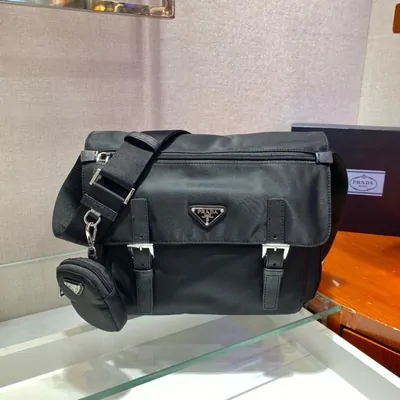


Two parts of the same journey
Find it in the spreadsheet.
Order it with CSSBuy.
A CSSBuy Spreadsheet is a browsable product catalogue: images, categories and links help you make a shortlist. It is a discovery starting point, so always check the live seller listing.
What is CSSBuy?
CSSBuy is the shopping agent. You submit an item link, the agent buys it, and your order reaches the warehouse for inspection before international shipping.
Why use this spreadsheet?
Browse by item, then keep the first-order, QC and parcel guides close to your shortlist.
How to use the catalogue →Why consider CSSBuy?
Compare its ordering options, warehouse workflow and published fee structure with your needs.
Benefits and tradeoffs →
From a product link to your door
Your first haul, step by step
- Choose & orderCheck the seller, variant and size; submit your link and pay for the item.
- Inspect at the warehouseRead the QC photos and resolve item problems before shipping.
- Plan the parcelCompare packing, shipping, declaration and insurance choices.
- Receive & recordTrack the parcel and keep an unboxing record for any delivery issue.

Before you submit the parcel
A haul needs more than a product budget
The item total is only one part. Review service fees, parcel size, shipping options and the claim ceiling while you can still change the box.
Declared value and insurance do different jobs.
Use the dated worksheet to compare the insured ceiling and uninsured fallback for your parcel. It calculates an example, not a promised payout.
Open the claim-ceiling worksheet →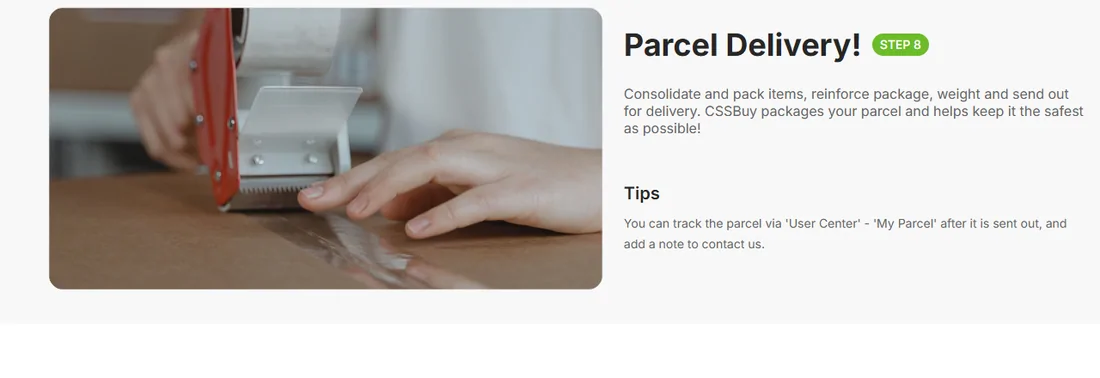
Keep the next step clear
Help for the questions along the way
Independent CSSBuy partner guide. Registration links contain our referral code. Policy details and official screenshots retain their capture dates; confirm current terms with CSSBuy.